Kling V2 / Referencia a Imagen
V2.0 foundational image model supporting text-to-image and image-to-image generation. Enables multi-type reference control—character, face, subject, scene, and style. Built for role consistency and thematic control across generated visuals. Multiple aspect ratio support
Kling V2 ImageSubject, Scene & Style Compositing
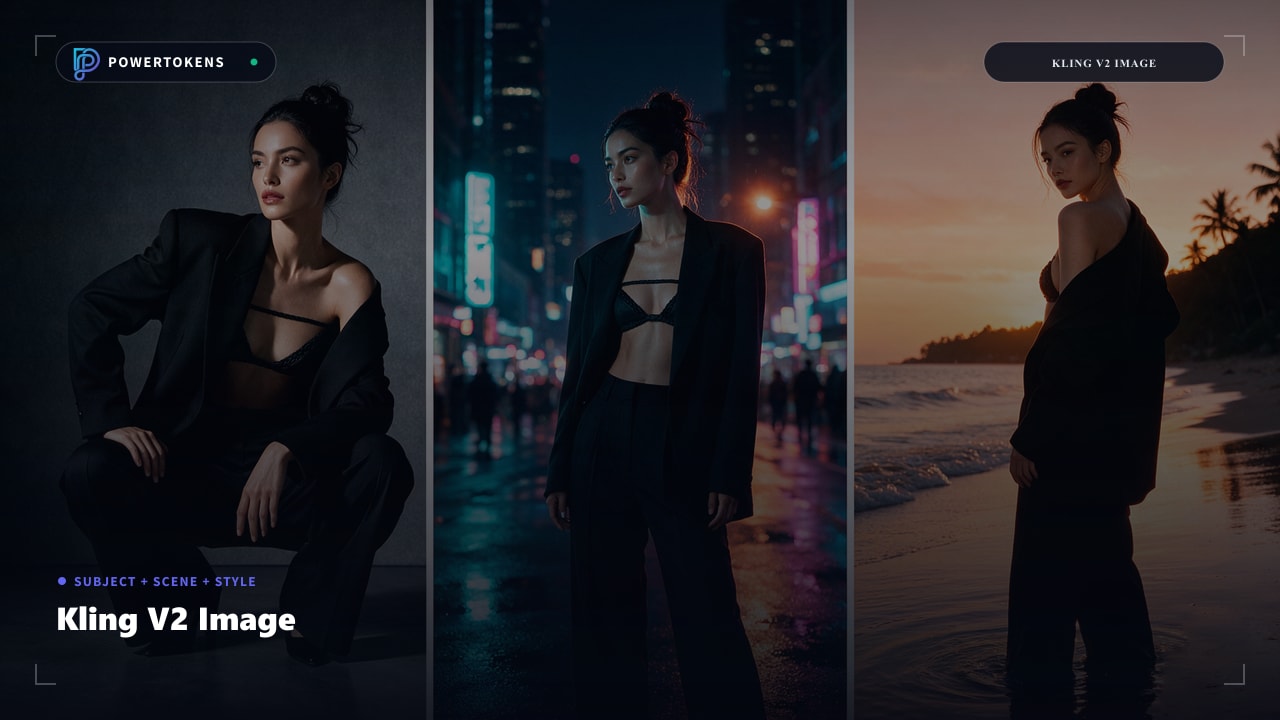
Kling V2 supports text-to-image and multi-reference compositing — lock a subject, blend scene and style images, and generate 1K/2K stills across social and print ratios.
At a Glance
Reference-Aware Image Stack
Compose subject, scene, and style into brand-ready stills.
Triple Reference Compositing
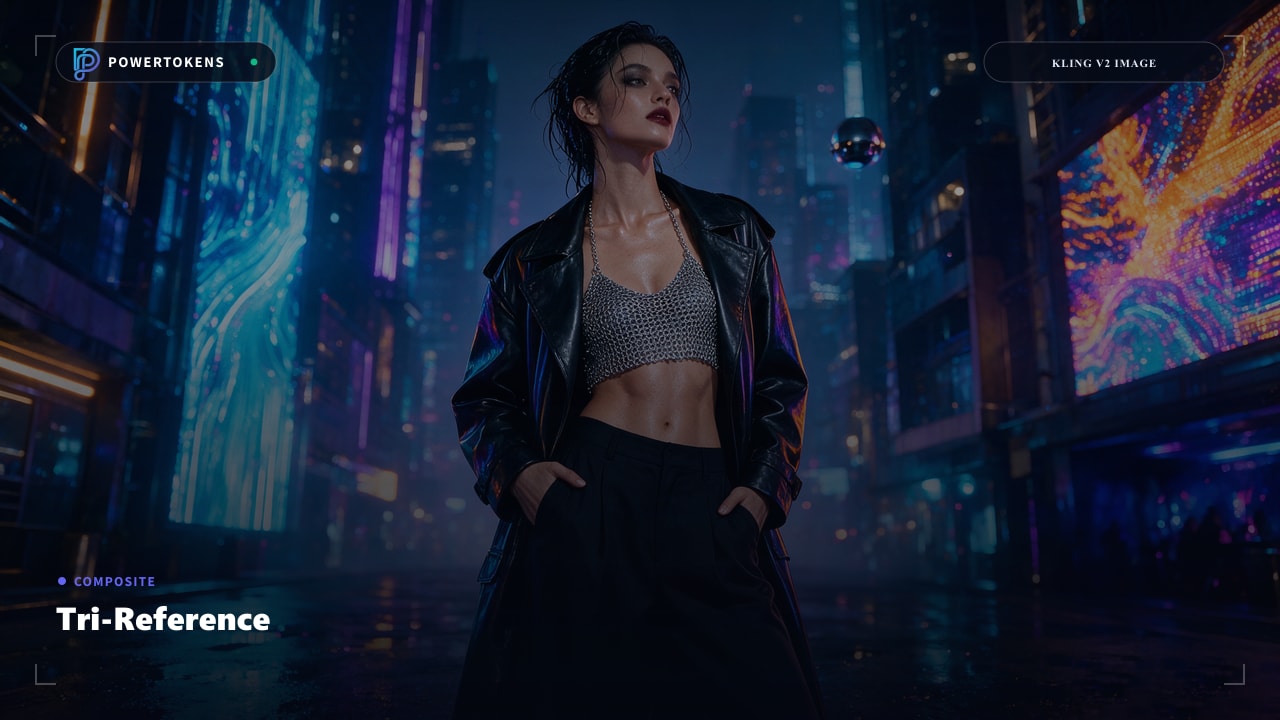
Provide subject, scene, and style images together. The model preserves subject identity while adopting the scene’s lighting and the style image’s visual language.
Face or Subject Lock
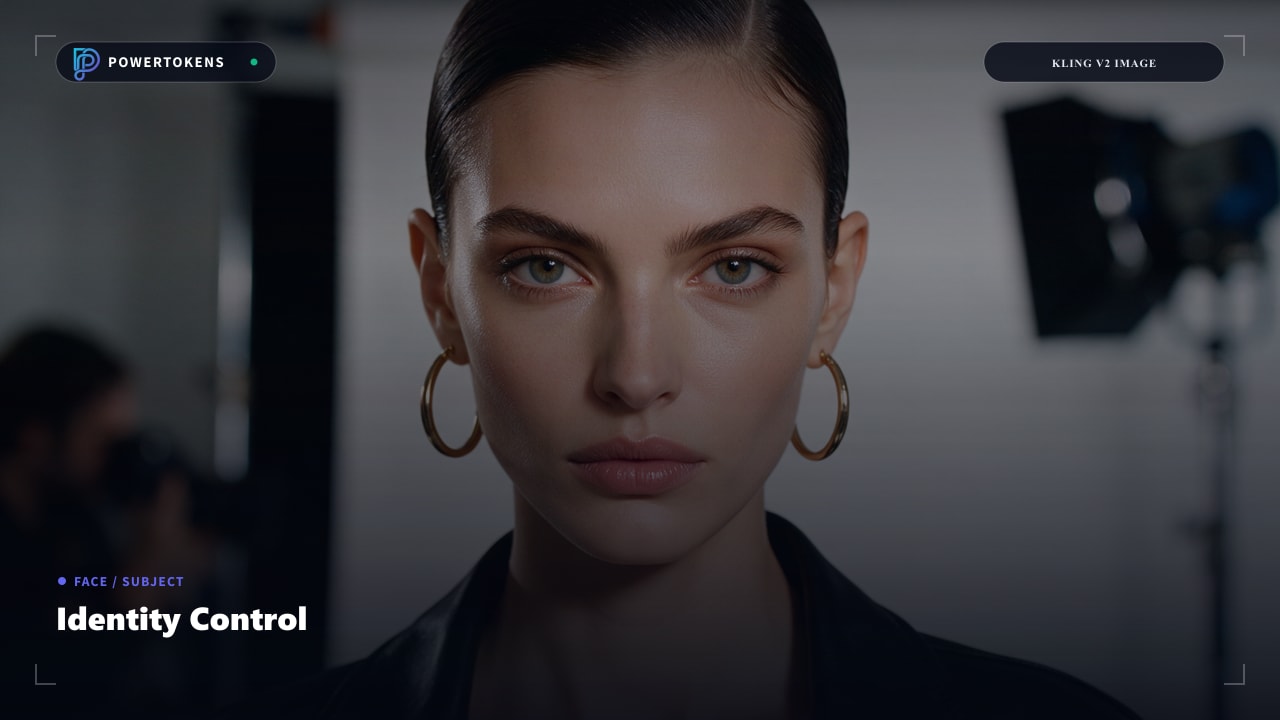
Choose face-level or full-subject reference so character identity stays stable across campaign variants.
Negative Prompt Control
Exclude unwanted props, backgrounds, or styles so composites stay clean enough for paid placements.
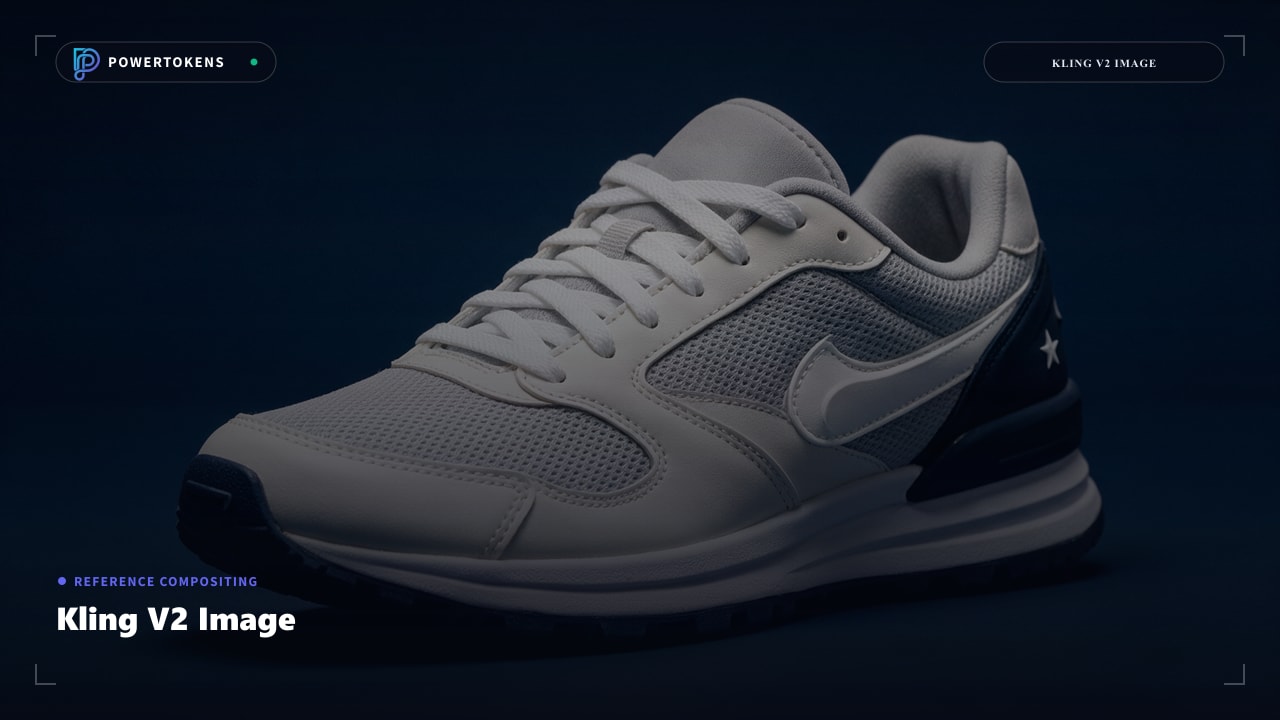
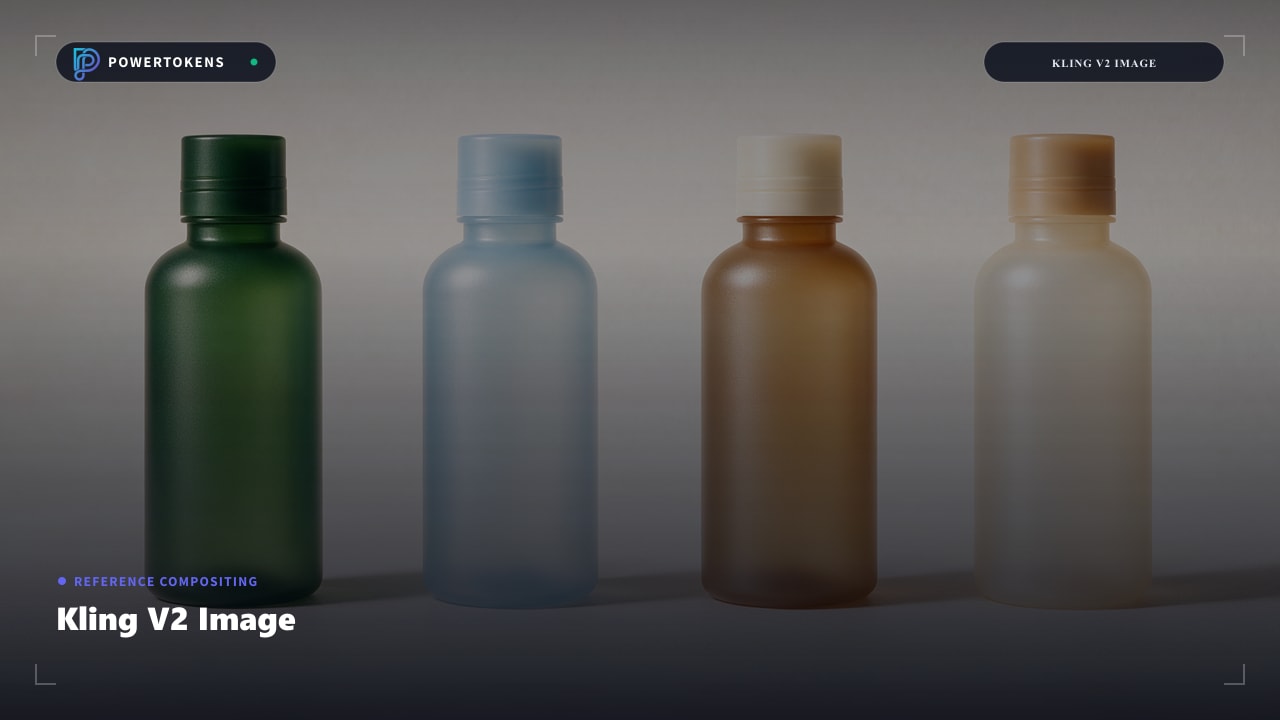
Batch Variant Production
Generate multiple images per request across ratios for A/B creative and multi-channel launches.
How It Works
A production-ready path from brief to finished asset.
Prepare References
Collect subject, scene, and style images that each contribute one job.
Choose Lock Mode
Face lock for portraits; subject lock when outfit and silhouette matter.
Compose the Prompt
Describe the desired outcome; references supply identity, lighting, and style.
Export Variants
Batch sizes and ratios for the channels you need without manual re-crops.
Compositing Domains
Where reference images replace heavy retouching.
Character Campaigns
Lock talent identity across creative variants.
Style Transfer Ads
Apply brand style images to product shots.
Scene Recomposition
Place subjects into new environments cleanly.
Catalog Consistency
1K/2K stills with locked subject geometry.
Prompt & Usage Tips
Practical guidance for reliable first-pass results.
Do not ask a single image to be subject + scene + style. Split roles across references.
When only the face must match, face lock is less restrictive than full-subject lock.
Call out logo placement or silhouette constraints for packshot-safe edits.
Reference Image Quickstart
Composite subject, scene, and style into brand stills.
curl -X POST "https://api.powertokens.ai/v1/images/generations" \
  -H "Authorization: Bearer YOUR_API_KEY" \
  -H "Content-Type": "application/json" \
  -d '{
  "model": "kling-v2",
  "prompt": "Editorial close-up portrait with sculptural hat, photorealistic studio light.",
  "size": "1k",
  "response_format": "url",
  "watermark": false,
  "aspect_ratio": "16:9"
}'
Technical Specifications
Confirmed parameters and runtime execution protocols.
Detalles de precios
La facturación real de este modelo se calcula dinámicamente en función de los parámetros específicos de su solicitud API. A continuación se muestran las combinaciones específicas y sus precios correspondientes:
| Modalidad | Créditos | Precio (USD) |
|---|---|---|
| Text to Image | 14/ Image | $0.014 |
| Image to Image | 28/ Image | $0.028 |
| Reference to Image | 56/ Image | $0.056 |
Models from the Same Channel
Explore complementary models and alternative versions from the same provider channel.

Kling Image O1
kling-image-o1
Advanced image generation model from the Kling O1 family. Supports text-to-image and image-to-image workflows with deep semantic understanding. Features character/subject consistency across generations, multi-reference input (up to 7 images), and intelligent aspect ratio adaptation. Professional-grade output suitable for commercial creative pipelines

Kling V2 New
kling-v2-new
Updated iteration of the V2.0 series image generation model. Retains core multi-reference capabilities—character, face, subject, scene, and style—with refined performance optimizations. Supports diverse aspect ratios and reference-based generation for consistent visual output
Recommended Related Models
Explore complementary video and multimodal models with your unified API key.

Seedream 5.0
seedream-5-0-260128
Supports text, single-image and multi-image inputs, and enables the generation of image sets

Wan 2.7 Image Pro
wan2.7-image-pro
Wan2.7–image-pro,supports text to image, text/image to sequential images, image editing, multi-image reference generation, and interactive editing. Delivers enhanced performance in text rendering, subject consistency, and complex instruction following.

Qwen Image 2.0 Pro
qwen-image-2.0-pro
The full-featured Qwen-Image-2.0 series models integrate image generation and image editing, offering enhanced text rendering with support for 1,000-token prompts, more refined realistic textures, detailed depiction of photorealistic scenes, and stronger semantic adherence. The full-featured version delivers the strongest text rendering and most lifelike textures in the 2.0 series.

MiniMax Image-01
image-01
MiniMax’s first text-to-image model with subject reference support. Delivers high-fidelity visuals, detailed lighting, and complex scene composition. Generates realistic human/object renders with natural textures, ideal for concept art, product visualization, and creative design.
Frequently Asked Questions
Everything you need to know before integrating this model.
Start Building with Kling V2 Image Today
Create an account in seconds to receive 100 free credits and start generating immediately. No credit card or upfront contract required.